Черная пятница 2026

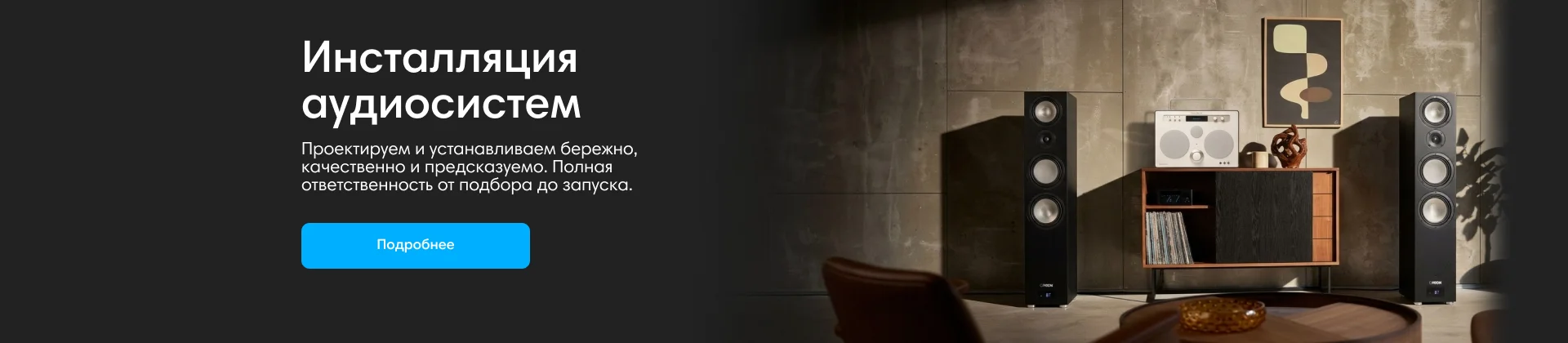
Инсталляции аудиосистем
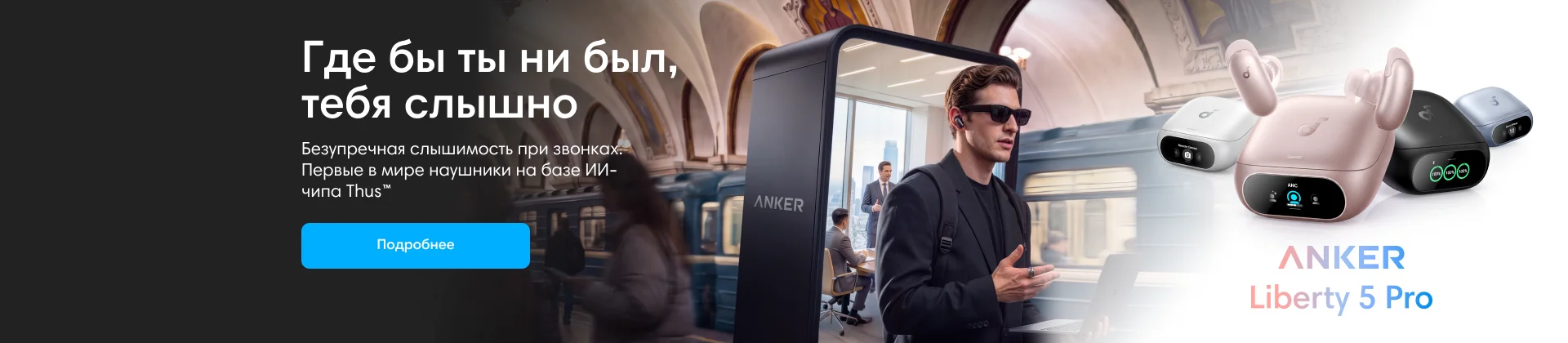
Anker
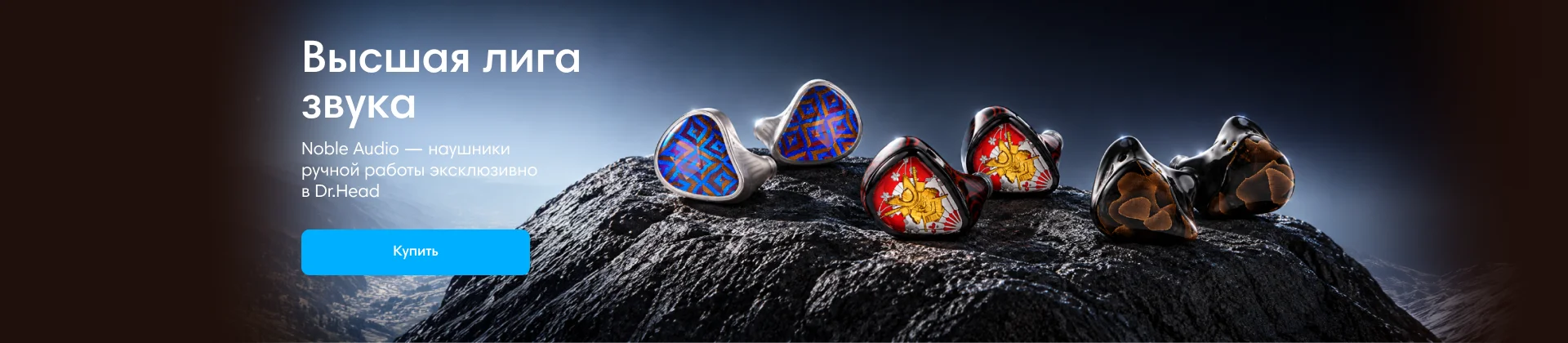
Noble Audio
Dinamic Ear Company Crecendo

Выбор наушников с разными требованиями
В форуме 135 тем
-

- 9 ответов
- 738 просмотров
-
- 0 ответов
- 417 просмотров
-
- 5 ответов
- 533 просмотра
-
- 8 ответов
- 850 просмотров
-
- 15 ответов
- 908 просмотров
-

- 18 ответов
- 787 просмотров
-

- 10 ответов
- 759 просмотров
-
- 13 ответов
- 807 просмотров
-
- 18 ответов
- 1,3k просмотров
-
- 9 ответов
- 514 просмотра
-
- 9 ответов
- 727 просмотров
-
- 1 ответ
- 527 просмотров
-

- 1 ответ
- 988 просмотров
-
- 4 ответа
- 530 просмотров
-

- 1 ответ
- 639 просмотров
-
- 0 ответов
- 507 просмотров
-
- 5 ответов
- 561 просмотр
-
-

- 22 ответа
- 1,1k просмотров
-
- 1 ответ
- 665 просмотров
-
-
- 0 ответов
- 559 просмотров
-

- 32 ответа
- 2,4k просмотров
-
- 4 ответа
- 711 просмотр
-
- 8 ответов
- 721 просмотр
-
-
- 1 ответ
- 479 просмотров
-
- 11 ответов
- 849 просмотров
-
- 4 ответа
- 570 просмотров
-
- 2 ответа
- 559 просмотров