

Черная пятница 2026

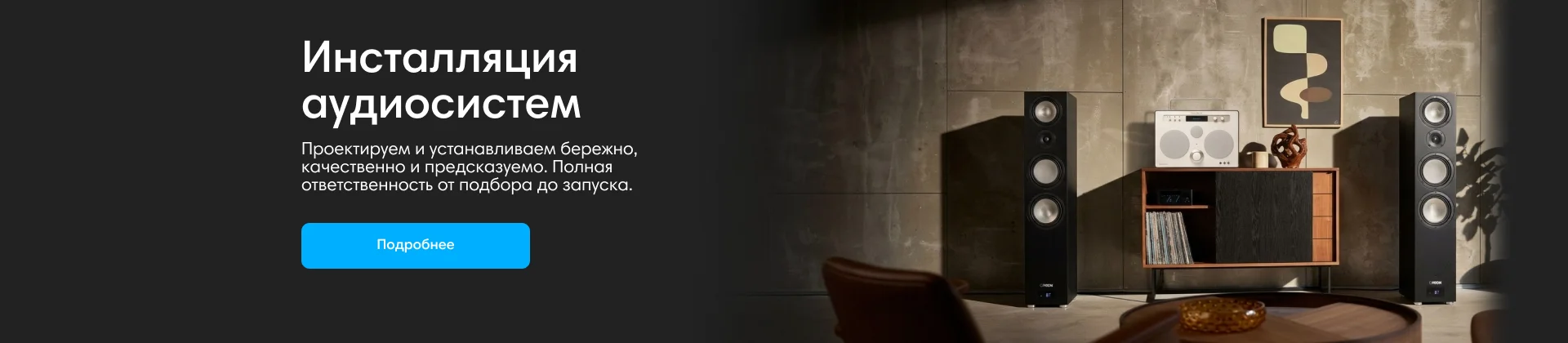
Инсталляции аудиосистем
Anker

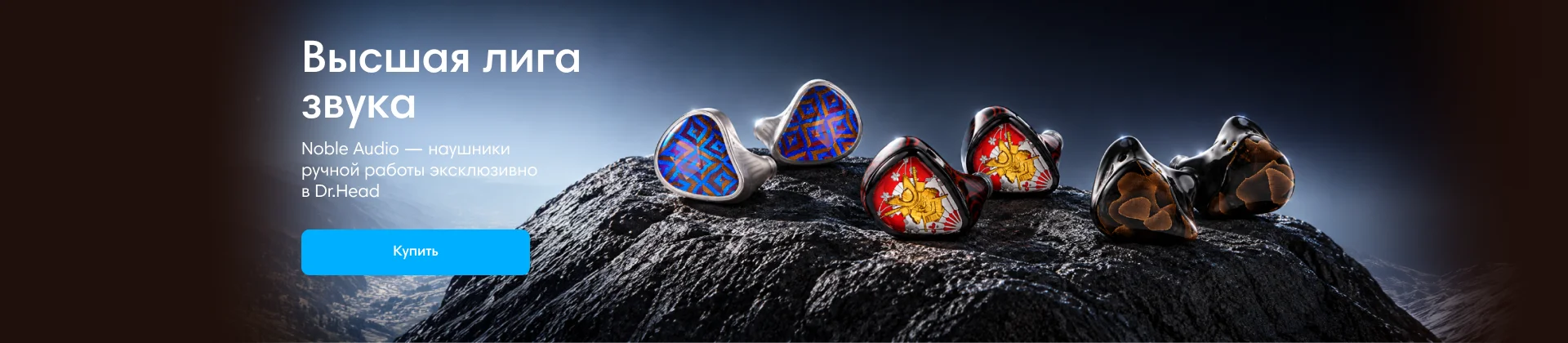
Noble Audio
Dinamic Ear Company Crecendo

До 10.000 руб
В форуме 63 темы
-

- 13 ответов
- 1,1k просмотров
-

- 2 ответа
- 610 просмотров
-
- 14 ответов
- 1,1k просмотра
-
- 1 ответ
- 472 просмотра
-
- 12 ответов
- 1,1k просмотров
-
- 1 ответ
- 890 просмотров
-
- 10 ответов
- 3,5k просмотров
-
- 4 ответа
- 613 просмотра
-
- 1 ответ
- 557 просмотров
-
- 14 ответов
- 790 просмотров
-
- 3 ответа
- 606 просмотров
-
- 32 ответа
- 1,9k просмотров
-

- 2 ответа
- 706 просмотров
-
- 2 ответа
- 669 просмотров
-
- 19 ответов
- 960 просмотров
-
- 9 ответов
- 866 просмотров
-
- 11 ответов
- 945 просмотров
-
- 15 ответов
- 971 просмотр
-
- 5 ответов
- 466 просмотров
-
- 12 ответов
- 1,6k просмотров
-

- 18 ответов
- 1,3k просмотров
-

- 22 ответа
- 1,5k просмотр
-
- 9 ответов
- 724 просмотра
-

-
- 11 ответов
- 865 просмотров
-
- 5 ответов
- 540 просмотров
-
- 5 ответов
- 560 просмотров
-

- 9 ответов
- 1,1k просмотров
-

- 24 ответа
- 1,6k просмотров
-

- 10 ответов
- 1,4k просмотра


