Черная пятница 2026

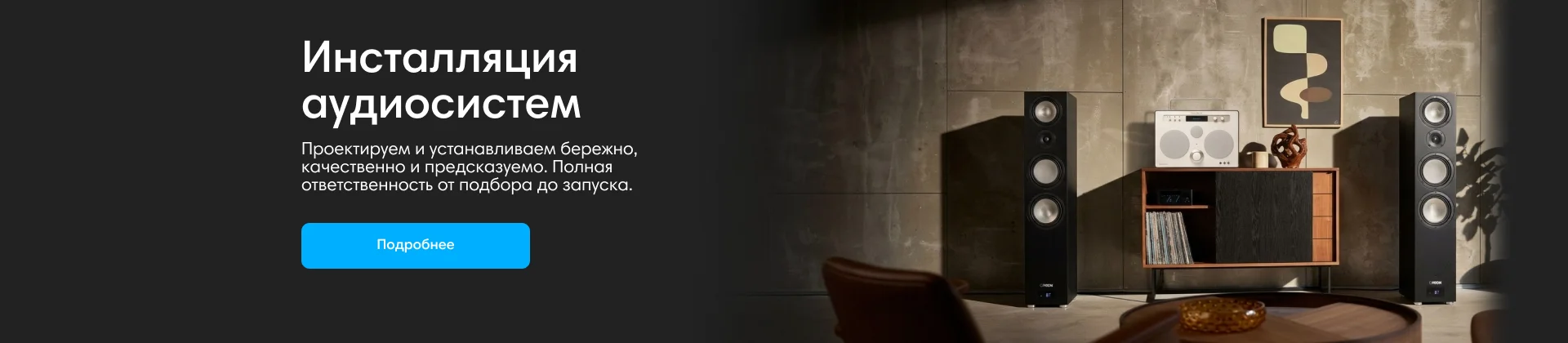
Инсталляции аудиосистем
Anker

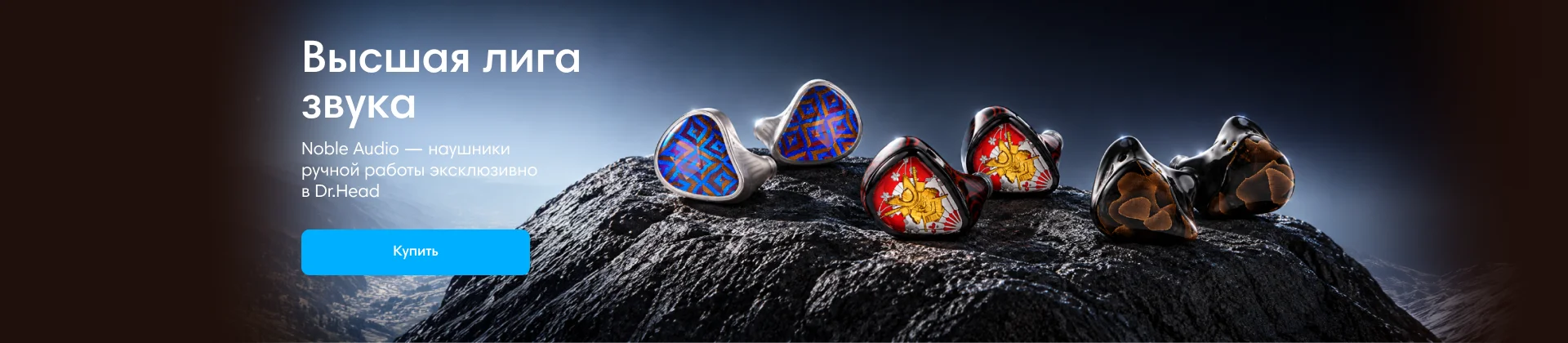
Noble Audio
Dinamic Ear Company Crecendo

До 4000 руб
В форуме 55 тем
-

- 15 ответов
- 1,2k просмотра
-
- 0 ответов
- 465 просмотров
-
- 16 ответов
- 1,7k просмотров
-
- 2 ответа
- 460 просмотров
-
- 3 ответа
- 594 просмотра
-
- 7 ответов
- 1,1k просмотр
-
- 11 ответов
- 939 просмотров
-
- 8 ответов
- 642 просмотра
-
- 2 ответа
- 896 просмотров
-
- 77 ответов
- 4,6k просмотров
-
- 12 ответов
- 608 просмотров
-

- 11 ответов
- 722 просмотра
-
- 7 ответов
- 577 просмотров
-
- 21 ответ
- 1,7k просмотр
-
- 9 ответов
- 645 просмотров
-

- 17 ответов
- 1,5k просмотр
-
- 4 ответа
- 512 просмотра
-
- 7 ответов
- 1,2k просмотров
-
- 0 ответов
- 480 просмотров
-

- 12 ответов
- 1,2k просмотров
-

- 17 ответов
- 1,6k просмотров
-
- 5 ответов
- 801 просмотр
-
- 0 ответов
- 555 просмотров
-
- 6 ответов
- 736 просмотров
-
- 4 ответа
- 993 просмотра