

Черная пятница 2026

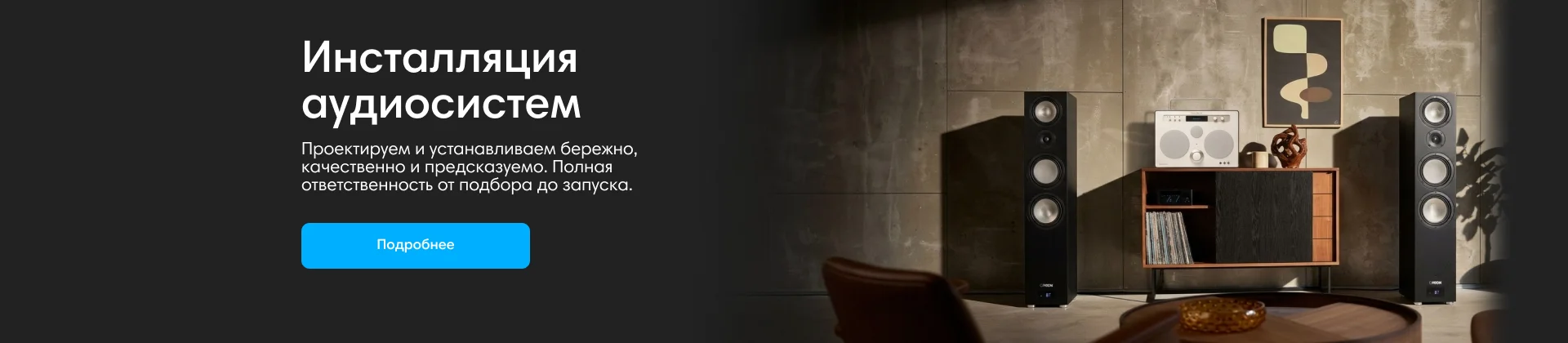
Инсталляции аудиосистем
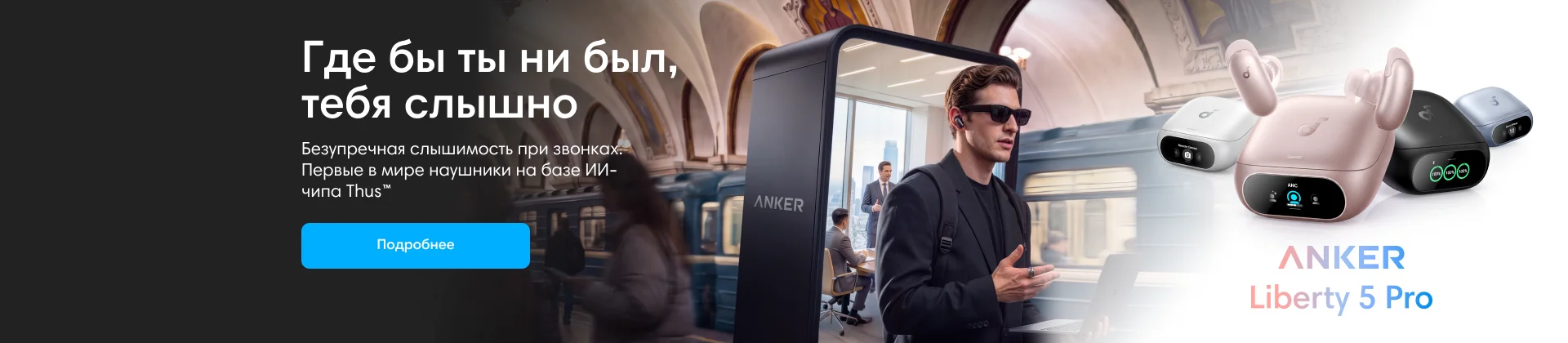
Anker
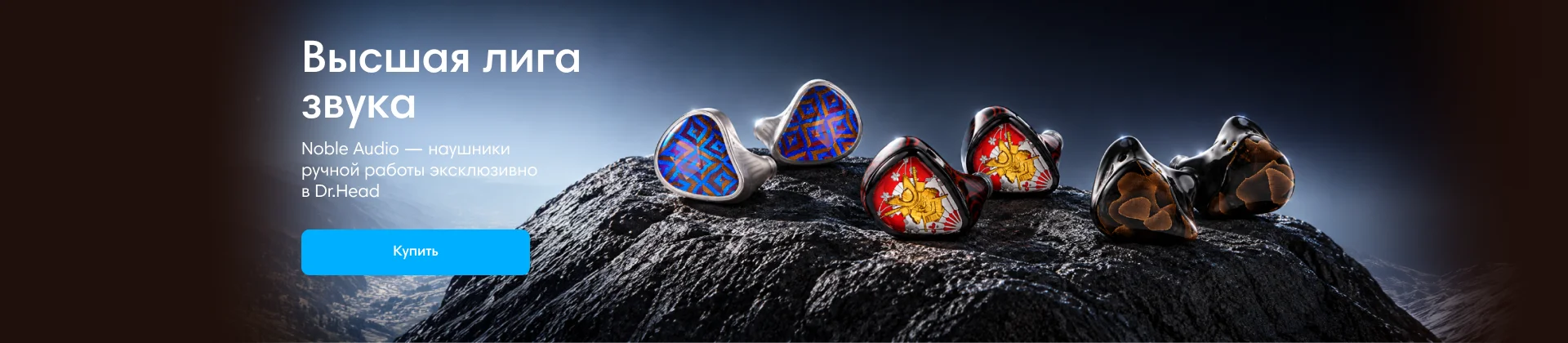
Noble Audio
Dinamic Ear Company Crecendo

Сетап (комплект)
В форуме 96 тем
-

- 0 ответов
- 599 просмотров
-

- 0 ответов
- 569 просмотров
-

- 0 ответов
- 487 просмотров
-

- 0 ответов
- 575 просмотров
-

- 0 ответов
- 443 просмотра
-

- 0 ответов
- 519 просмотров
-

- 0 ответов
- 817 просмотров
-
- 0 ответов
- 477 просмотров
-

- 0 ответов
- 525 просмотров
-
- 0 ответов
- 494 просмотра
-

- 0 ответов
- 513 просмотра
-

- 0 ответов
- 423 просмотра
-

- 0 ответов
- 504 просмотра
-
- 0 ответов
- 495 просмотров
-

- 0 ответов
- 585 просмотров
-

- 0 ответов
- 463 просмотра
-
-

- 0 ответов
- 533 просмотра
-

- 0 ответов
- 442 просмотра
-
- 0 ответов
- 494 просмотра
-

- 0 ответов
- 542 просмотра
-

- 0 ответов
- 448 просмотров
-

- 0 ответов
- 413 просмотра
-

- 0 ответов
- 566 просмотров
-

- 0 ответов
- 457 просмотров
-
- 0 ответов
- 431 просмотр
-
- 0 ответов
- 551 просмотр
-
- 0 ответов
- 669 просмотров
-
- 0 ответов
- 457 просмотров
-
- 0 ответов
- 439 просмотров