Перейти к содержанию
View in the app

A better way to browse. Learn more.

Dr.Head Forum. Всё можно послушать!

A full-screen app on your home screen with push notifications, badges and more.

To install this app on iOS and iPadOS
  1. Tap the Share icon in Safari
  2. Scroll the menu and tap Add to Home Screen.
  3. Tap Add in the top-right corner.
To install this app on Android
  1. Tap the 3-dot menu (⋮) in the top-right corner of the browser.
  2. Tap Add to Home screen or Install app.
  3. Confirm by tapping Install.

andyman69

Пользователи
  • Зарегистрирован

  • Посещение

Весь контент andyman69

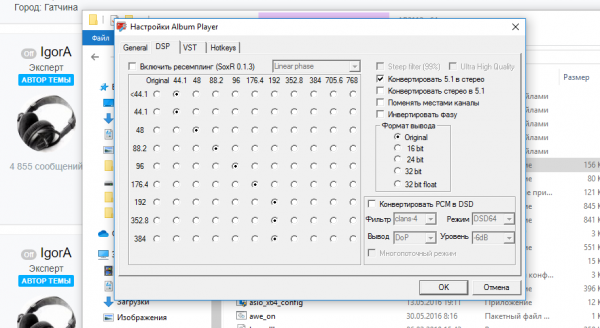
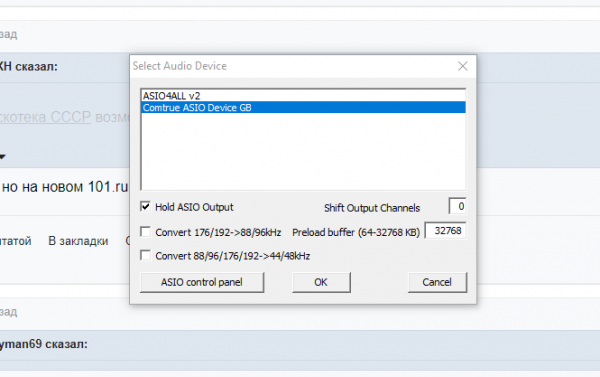
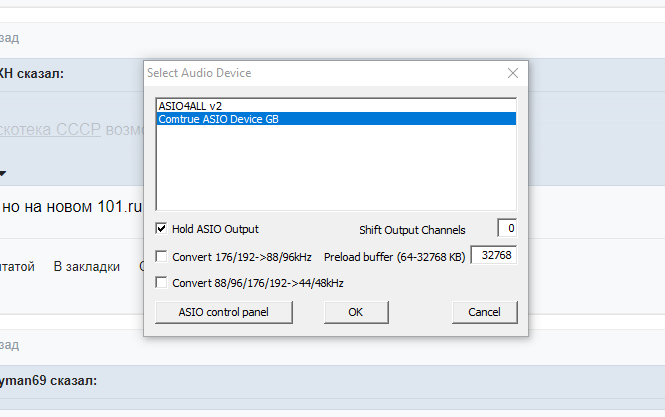
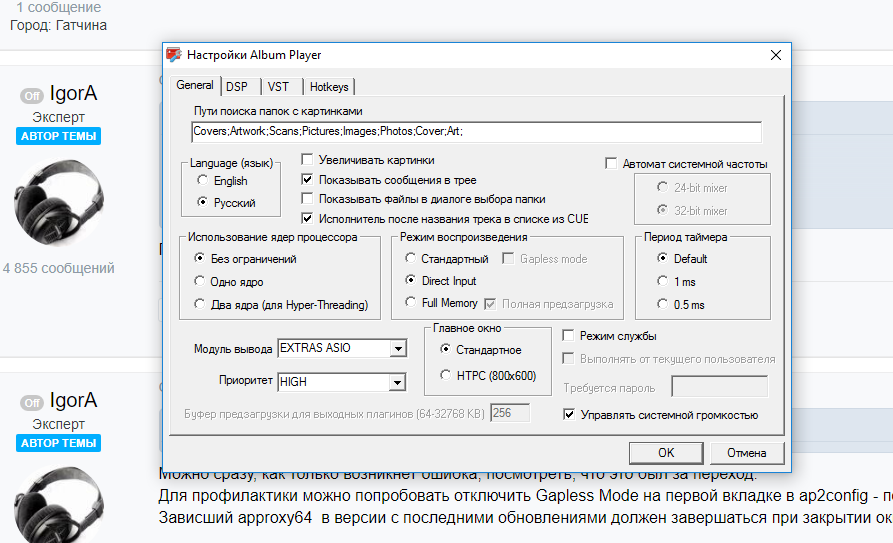
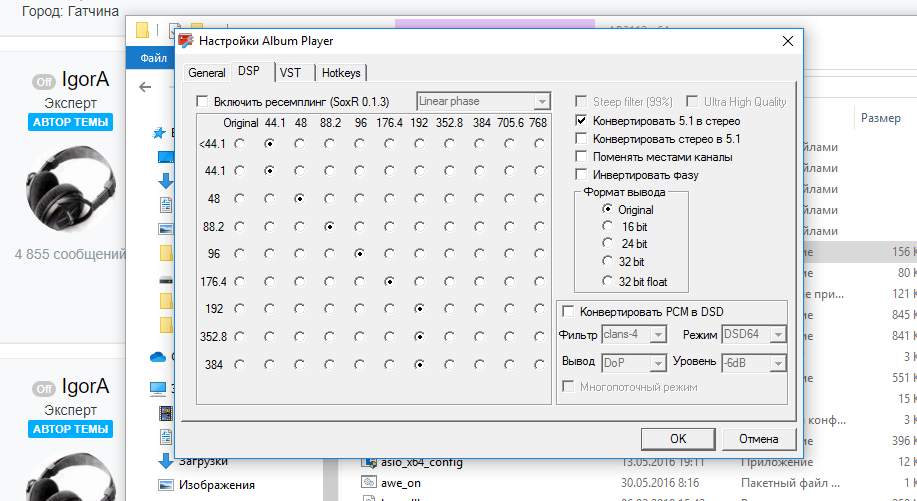
  1. на данный момент вот такие настройки были выставлены
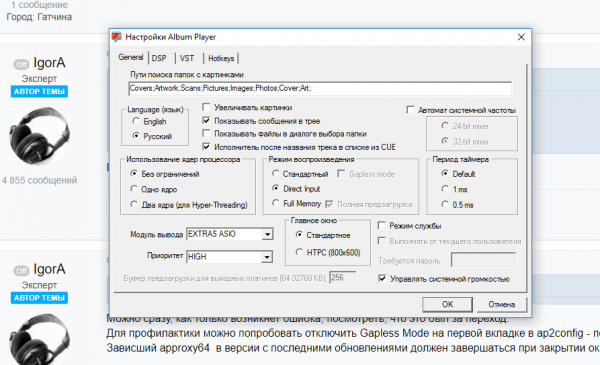
  2. Добрый вечер, при проигрывании альбомов с разным битрейтом один за другим плеер выдает ошибку, закрывается и не может воспроизвести никакой альбом с любым битрейтом пока принудительно не завершишь процесс approxy64, после чего "съедает" уже любой альбом. Я никак не могу воспроизвести последовательность своих действий, которая приводит к возникновению ошибки, но она возникает . То ли при снижении, то ли при повышении битрейта....
Account

Navigation

Поиск

Поиск

Configure browser push notifications

Chrome (Android)
  1. Tap the lock icon next to the address bar.
  2. Tap Permissions → Notifications.
  3. Adjust your preference.
Chrome (Desktop)
  1. Click the padlock icon in the address bar.
  2. Select Site settings.
  3. Find Notifications and adjust your preference.