Перейти к содержанию
View in the app

A better way to browse. Learn more.

Dr.Head Forum. Всё можно послушать!

A full-screen app on your home screen with push notifications, badges and more.

To install this app on iOS and iPadOS
  1. Tap the Share icon in Safari
  2. Scroll the menu and tap Add to Home Screen.
  3. Tap Add in the top-right corner.
To install this app on Android
  1. Tap the 3-dot menu (⋮) in the top-right corner of the browser.
  2. Tap Add to Home screen or Install app.
  3. Confirm by tapping Install.

Solomina

Пользователи
  • Зарегистрирован

  • Посещение

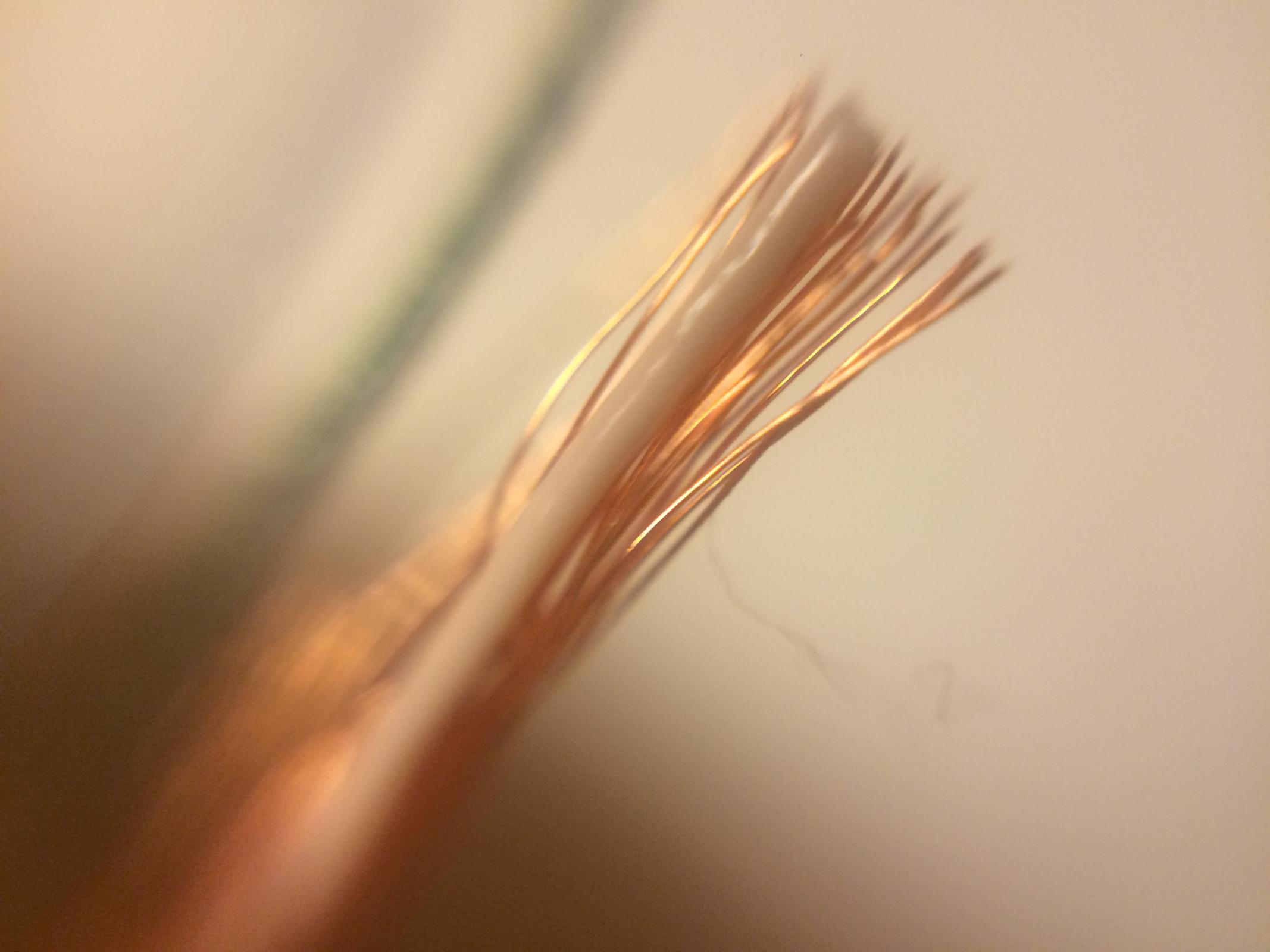
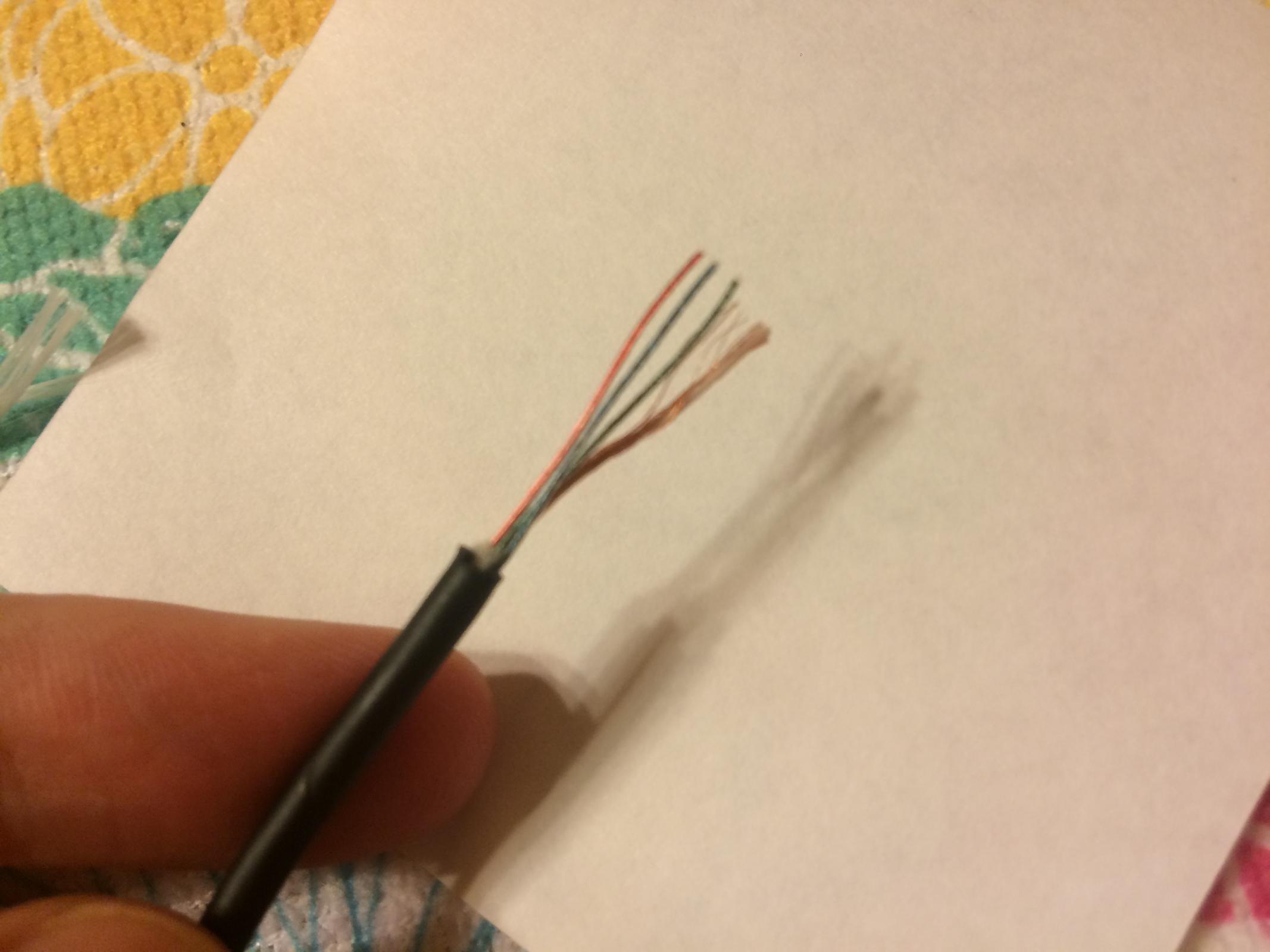
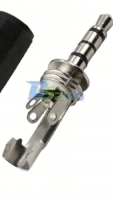
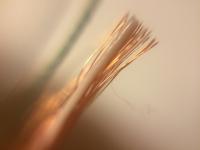
  1. Здравствуйте! Недавно у моих наушниках сломался штекер, и я решил его заменить. Купил штекер наподобие этого, обрезал старый. И столкнулся с проблемой: я не знаю какие провода куда паять. Есть синий, зелёный, красный провода и белый провод в медной оплётке. От чего какой провод, и как припаять белый провод? p.s. Старый штекер полностью залит пластмассой, так что посмотреть с него не получится.
Account

Navigation

Поиск

Поиск

Configure browser push notifications

Chrome (Android)
  1. Tap the lock icon next to the address bar.
  2. Tap Permissions → Notifications.
  3. Adjust your preference.
Chrome (Desktop)
  1. Click the padlock icon in the address bar.
  2. Select Site settings.
  3. Find Notifications and adjust your preference.