
Перейти к содержанию
View in the app

A better way to browse. Learn more.

Dr.Head Forum. Всё можно послушать!

A full-screen app on your home screen with push notifications, badges and more.

To install this app on iOS and iPadOS
  1. Tap the Share icon in Safari
  2. Scroll the menu and tap Add to Home Screen.
  3. Tap Add in the top-right corner.
To install this app on Android
  1. Tap the 3-dot menu (⋮) in the top-right corner of the browser.
  2. Tap Add to Home screen or Install app.
  3. Confirm by tapping Install.

Dron

Пользователи
  • Зарегистрирован

  • Посещение

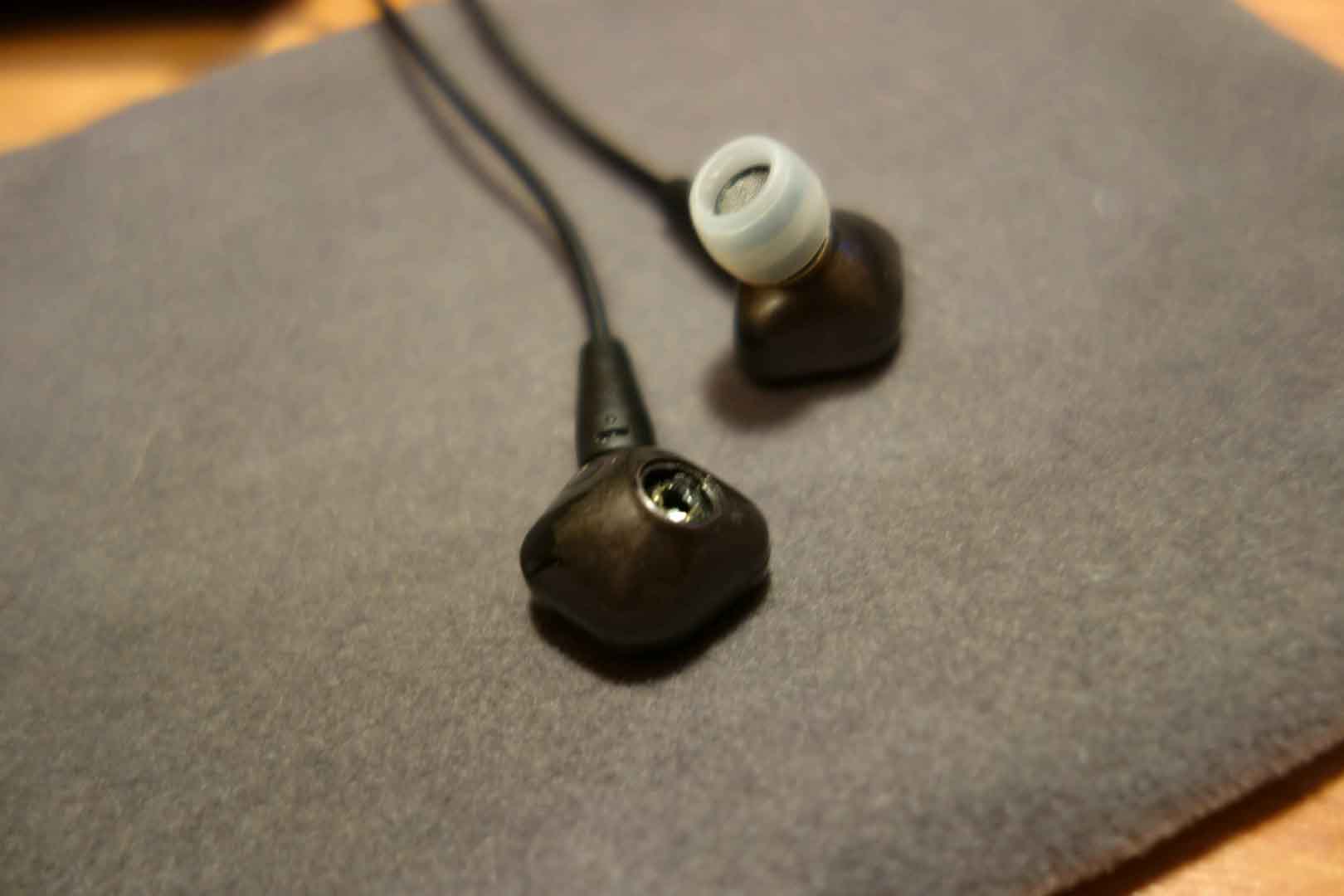
  1. Здравствуйте. Уже достаточно долго пользуюсь наушниками Sennheiser ie 80, но вот беда постоянно приходится чистить защитные сеточки изнутри. Для этого я отсоединял основания с сеточками от корпуса. После многочисленных операций конструкция разболталась )) и в итоге как видно на фото я потерял одну пластиковую деталь с сеточкой (((Во сколько обойдётся новая деталь. И возможны ли какие-то другие "кастом" решения с амбюшурами т.к. проблема актуальная.

Account

Navigation

Поиск

Поиск

Configure browser push notifications

Chrome (Android)
  1. Tap the lock icon next to the address bar.
  2. Tap Permissions → Notifications.
  3. Adjust your preference.
Chrome (Desktop)
  1. Click the padlock icon in the address bar.
  2. Select Site settings.
  3. Find Notifications and adjust your preference.