Перейти к содержанию
View in the app

A better way to browse. Learn more.

Dr.Head Forum. Всё можно послушать!

A full-screen app on your home screen with push notifications, badges and more.

To install this app on iOS and iPadOS
  1. Tap the Share icon in Safari
  2. Scroll the menu and tap Add to Home Screen.
  3. Tap Add in the top-right corner.
To install this app on Android
  1. Tap the 3-dot menu (⋮) in the top-right corner of the browser.
  2. Tap Add to Home screen or Install app.
  3. Confirm by tapping Install.

Черная пятница 2026

black_friday_2026_1920x420_D.png

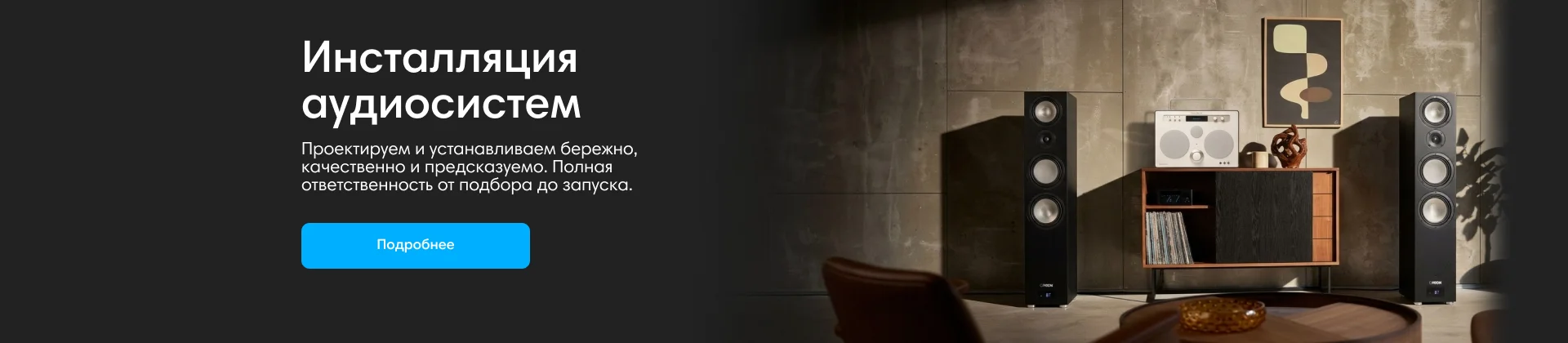
Инсталляции аудиосистем

Инсталляции аудиосистем

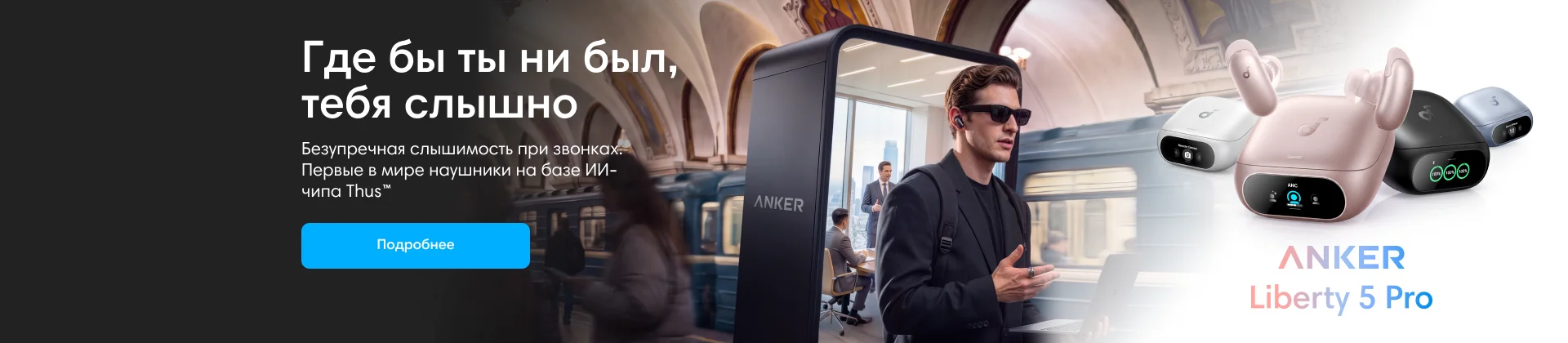
Anker

Anker

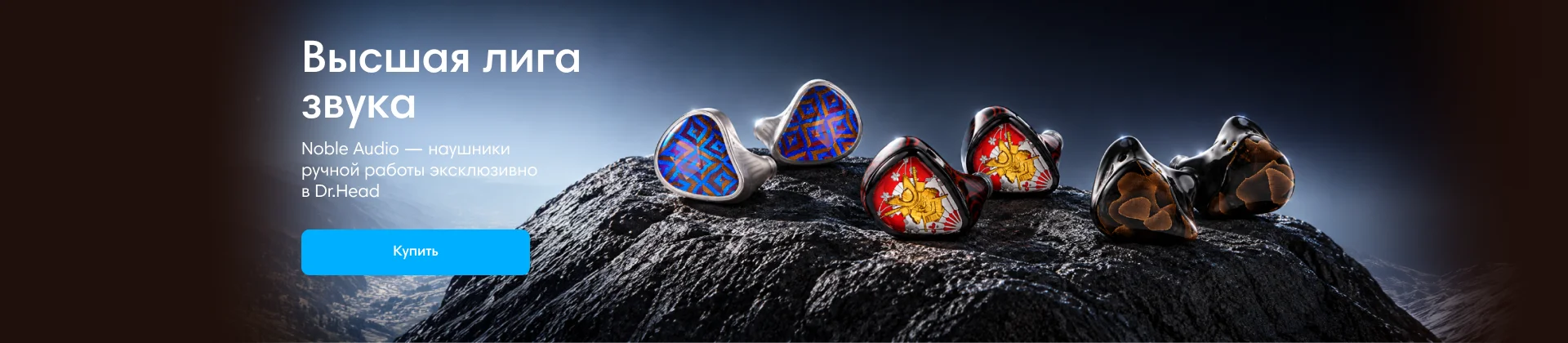
Noble Audio

Noble Audio

Dinamic Ear Company Crecendo

Crescendo

Электропитание

Кабели. Регенераторы и прочее оборудование.

    • 1 ответ
    • 811 просмотр
    • 0 ответов
    • 781 просмотр
    • 0 ответов
    • 761 просмотр
    • 0 ответов
    • 666 просмотров
    • 0 ответов
    • 743 просмотра
    • 0 ответов
    • 791 просмотр
    • 0 ответов
    • 721 просмотр
    • 0 ответов
    • 622 просмотра
    • 0 ответов
    • 882 просмотра
    • 0 ответов
    • 657 просмотров
    • 0 ответов
    • 765 просмотров
    • 0 ответов
    • 749 просмотров
    • 0 ответов
    • 730 просмотров

Account

Navigation

Поиск

Поиск

Configure browser push notifications

Chrome (Android)
  1. Tap the lock icon next to the address bar.
  2. Tap Permissions → Notifications.
  3. Adjust your preference.
Chrome (Desktop)
  1. Click the padlock icon in the address bar.
  2. Select Site settings.
  3. Find Notifications and adjust your preference.