Перейти к содержанию
View in the app

A better way to browse. Learn more.

Dr.Head Forum. Всё можно послушать!

A full-screen app on your home screen with push notifications, badges and more.

To install this app on iOS and iPadOS
  1. Tap the Share icon in Safari
  2. Scroll the menu and tap Add to Home Screen.
  3. Tap Add in the top-right corner.
To install this app on Android
  1. Tap the 3-dot menu (⋮) in the top-right corner of the browser.
  2. Tap Add to Home screen or Install app.
  3. Confirm by tapping Install.

Final Audio

Dr.Head Awards 2025

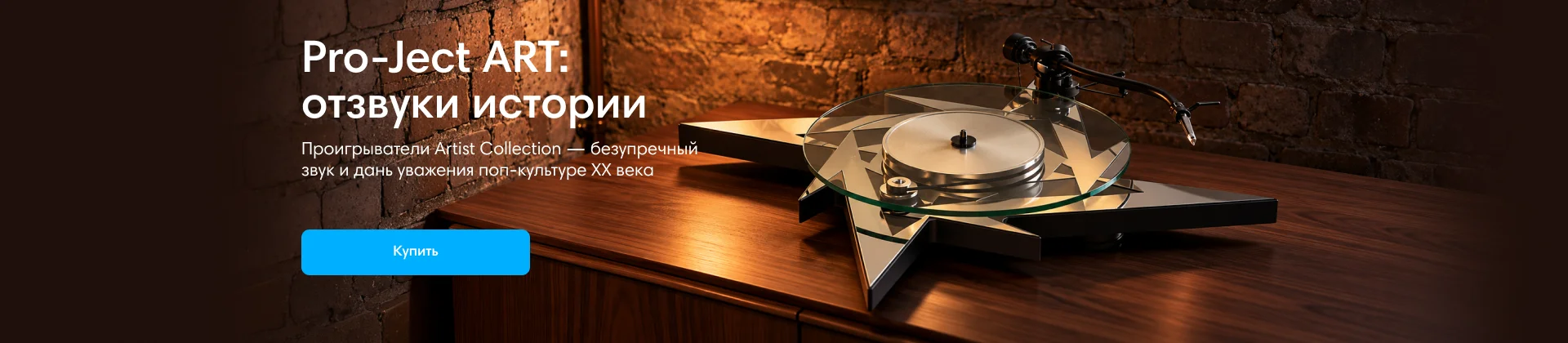
Pro-Ject ART

Dr.Head Awards 2025

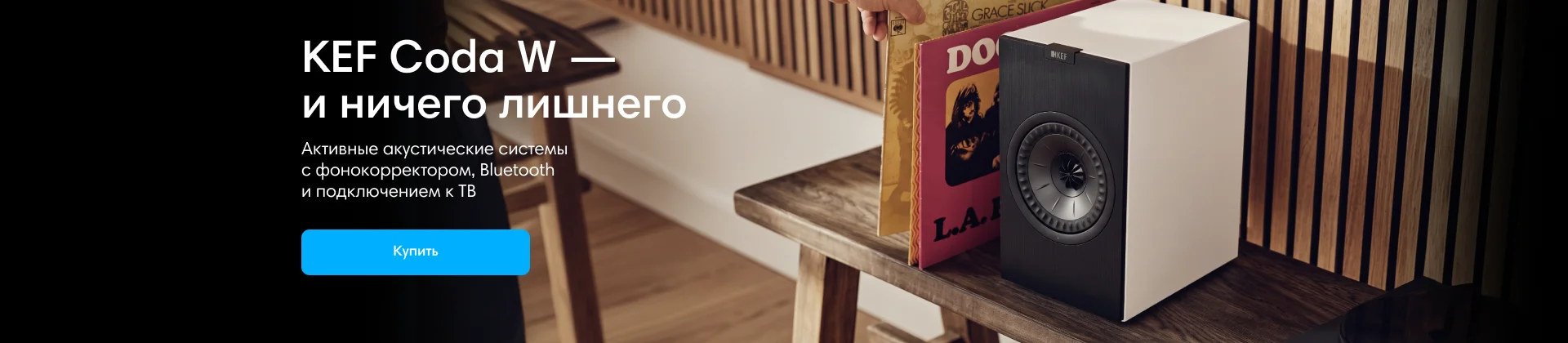
KEF

Dr.Head Awards 2025

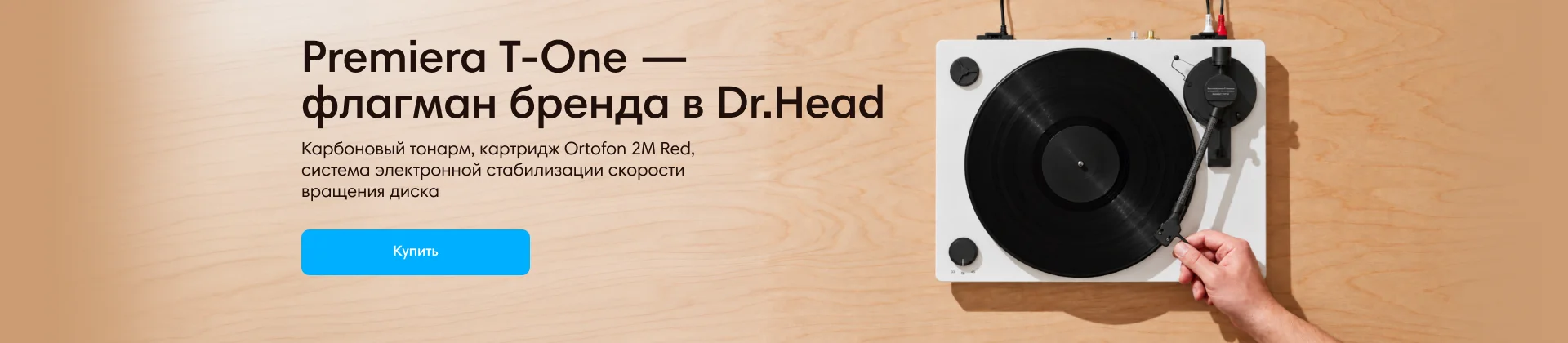
Premiera

Dr.Head Awards 2025

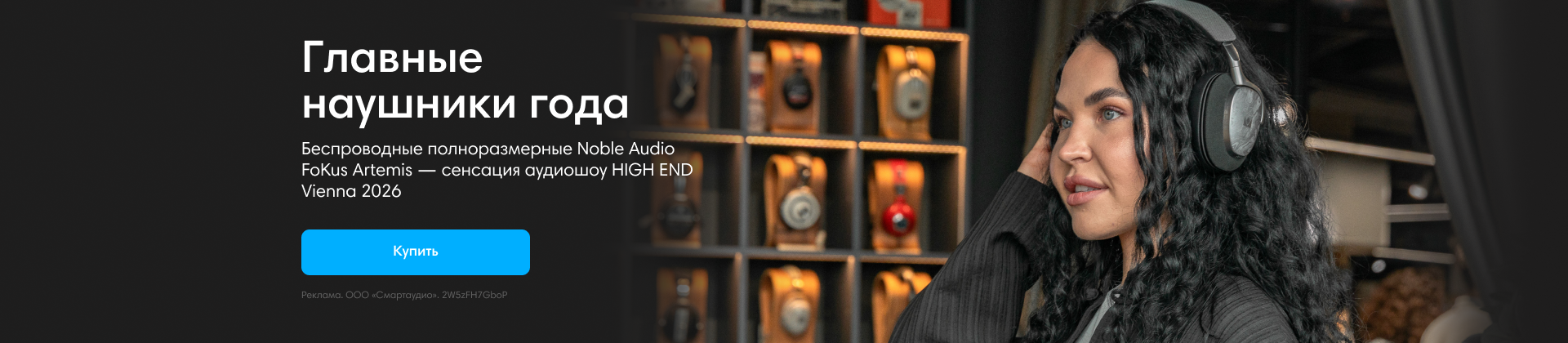
Noble Audio Artemis 2

Dr.Head Awards 2025

Austrian Audio

Dr.Head Awards 2025

Aurian

Dr.Head Awards 2025

Помогите выбрать наушники из двух

Featured Replies

Опубликовано

Пал выбор на две модели: Soundmagic E10 и Vsonic VSD1. Слушаю в основном инди, инди-рок, немного басистый реп и хип-хоп, электро-поп, временами и другие жанры проскакивают(кроме рока, хардкора и тд.) Басы мною приветствуются, также детализация очень важна, средние частоты тоже какую-никакую роль играют.

Для публикации сообщений создайте учётную запись или авторизуйтесь

Последние посетители 0

  • На этой странице нет зарегистрированных пользователей.

Account

Navigation

Поиск

Поиск

Configure browser push notifications

Chrome (Android)
  1. Tap the lock icon next to the address bar.
  2. Tap Permissions → Notifications.
  3. Adjust your preference.
Chrome (Desktop)
  1. Click the padlock icon in the address bar.
  2. Select Site settings.
  3. Find Notifications and adjust your preference.