Перейти к содержанию
View in the app

A better way to browse. Learn more.

Dr.Head Forum. Всё можно послушать!

A full-screen app on your home screen with push notifications, badges and more.

To install this app on iOS and iPadOS
  1. Tap the Share icon in Safari
  2. Scroll the menu and tap Add to Home Screen.
  3. Tap Add in the top-right corner.
To install this app on Android
  1. Tap the 3-dot menu (⋮) in the top-right corner of the browser.
  2. Tap Add to Home screen or Install app.
  3. Confirm by tapping Install.

Final Audio

Dr.Head Awards 2025

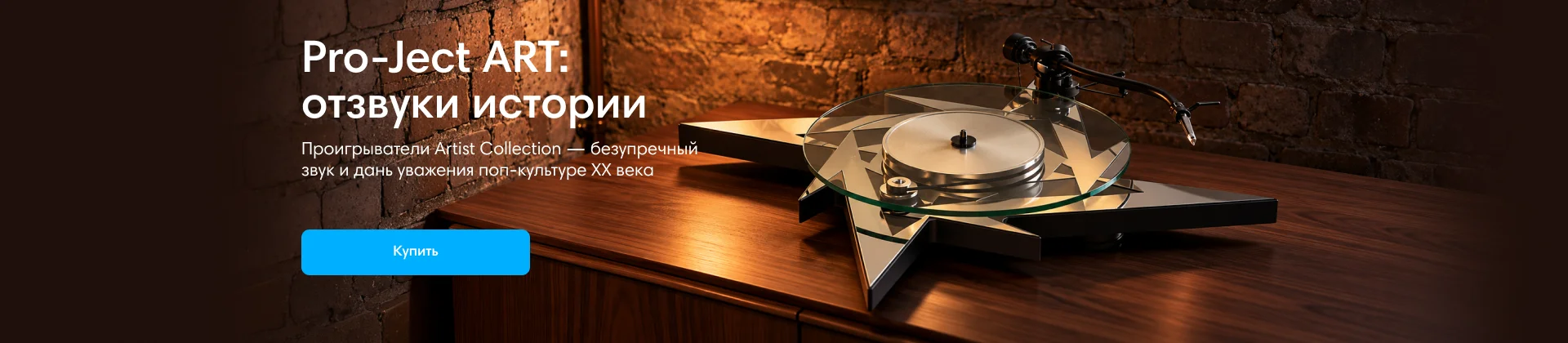
Pro-Ject ART

Dr.Head Awards 2025

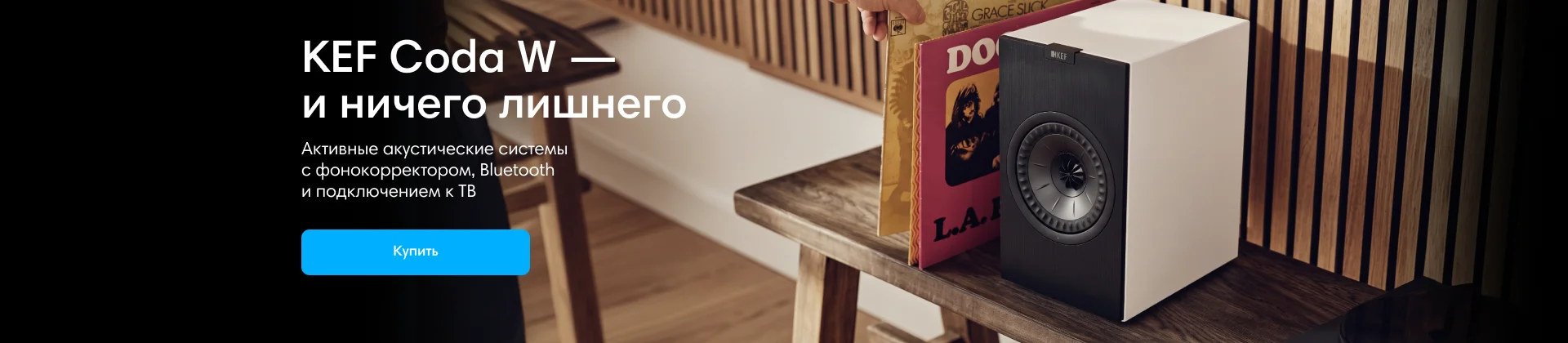
KEF

Dr.Head Awards 2025

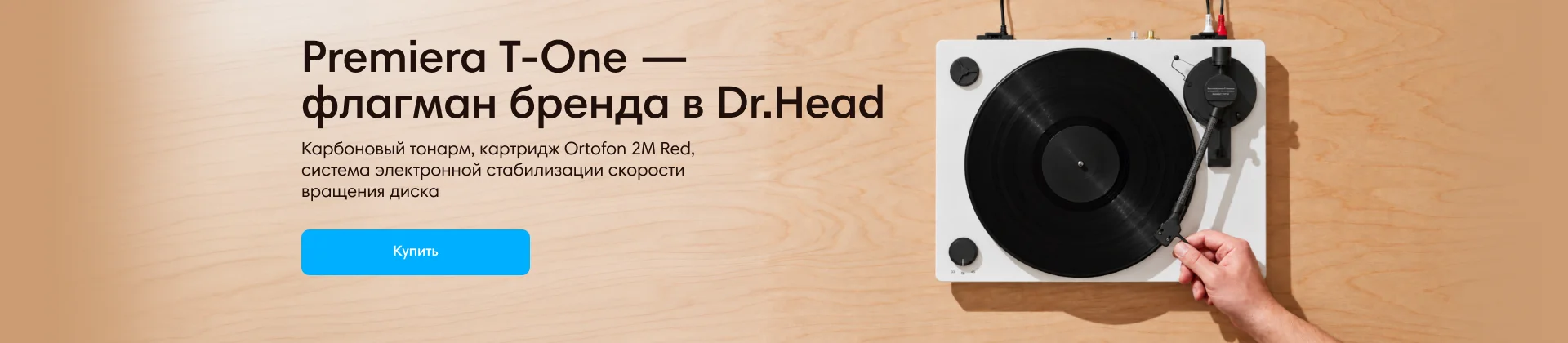
Premiera

Dr.Head Awards 2025

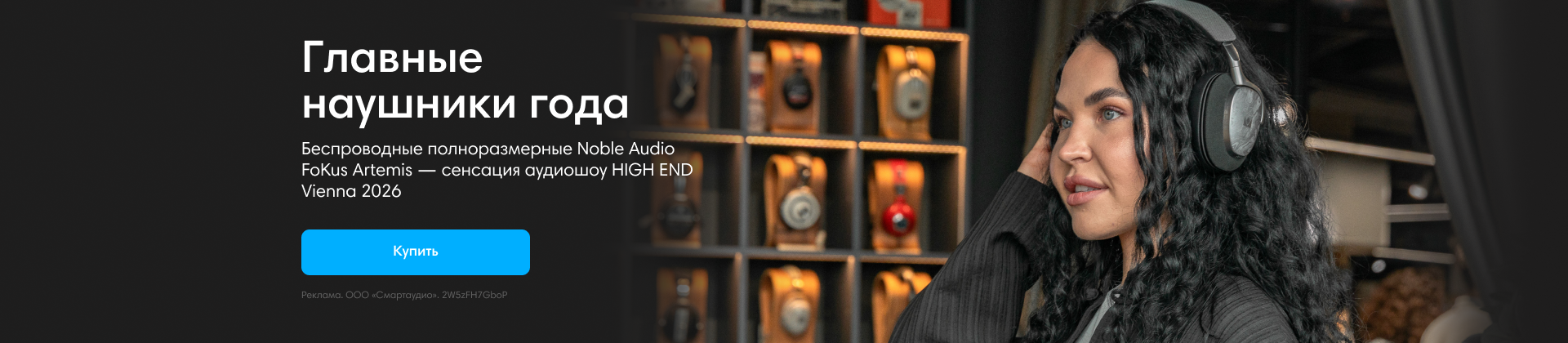
Noble Audio Artemis 2

Dr.Head Awards 2025

Austrian Audio

Dr.Head Awards 2025

Aurian

Dr.Head Awards 2025

Consumer Electronics & Photo Expo 2012

Featured Replies

Опубликовано

Consumer Electronics & Photo Expo – это название нескольких выставок, проходящих одновременно. Ранее все начиналось как отдельные выставки, проходящие в разное время. Со стороны звука была выставка, называемая как Hi-Fi Show, проводимая в отеле Софитель. После, с появлением DVD и развитием домашних кинотеатров, профиль выставки стал расширятся, а с приходом цифровых технологий сменилось и название выставки на HDI Show (Hi-Fi Digital Install)....


Статья полностью

Для публикации сообщений создайте учётную запись или авторизуйтесь

Последние посетители 0

  • На этой странице нет зарегистрированных пользователей.

Account

Navigation

Поиск

Поиск

Configure browser push notifications

Chrome (Android)
  1. Tap the lock icon next to the address bar.
  2. Tap Permissions → Notifications.
  3. Adjust your preference.
Chrome (Desktop)
  1. Click the padlock icon in the address bar.
  2. Select Site settings.
  3. Find Notifications and adjust your preference.