Перейти к содержанию
View in the app

A better way to browse. Learn more.

Dr.Head Forum. Всё можно послушать!

A full-screen app on your home screen with push notifications, badges and more.

To install this app on iOS and iPadOS
  1. Tap the Share icon in Safari
  2. Scroll the menu and tap Add to Home Screen.
  3. Tap Add in the top-right corner.
To install this app on Android
  1. Tap the 3-dot menu (⋮) in the top-right corner of the browser.
  2. Tap Add to Home screen or Install app.
  3. Confirm by tapping Install.
Необходимо авторизоваться, чтобы увидеть дополнительную информацию и иметь возможность связаться с рекламодателем!
ПРОСРОЧЕНО

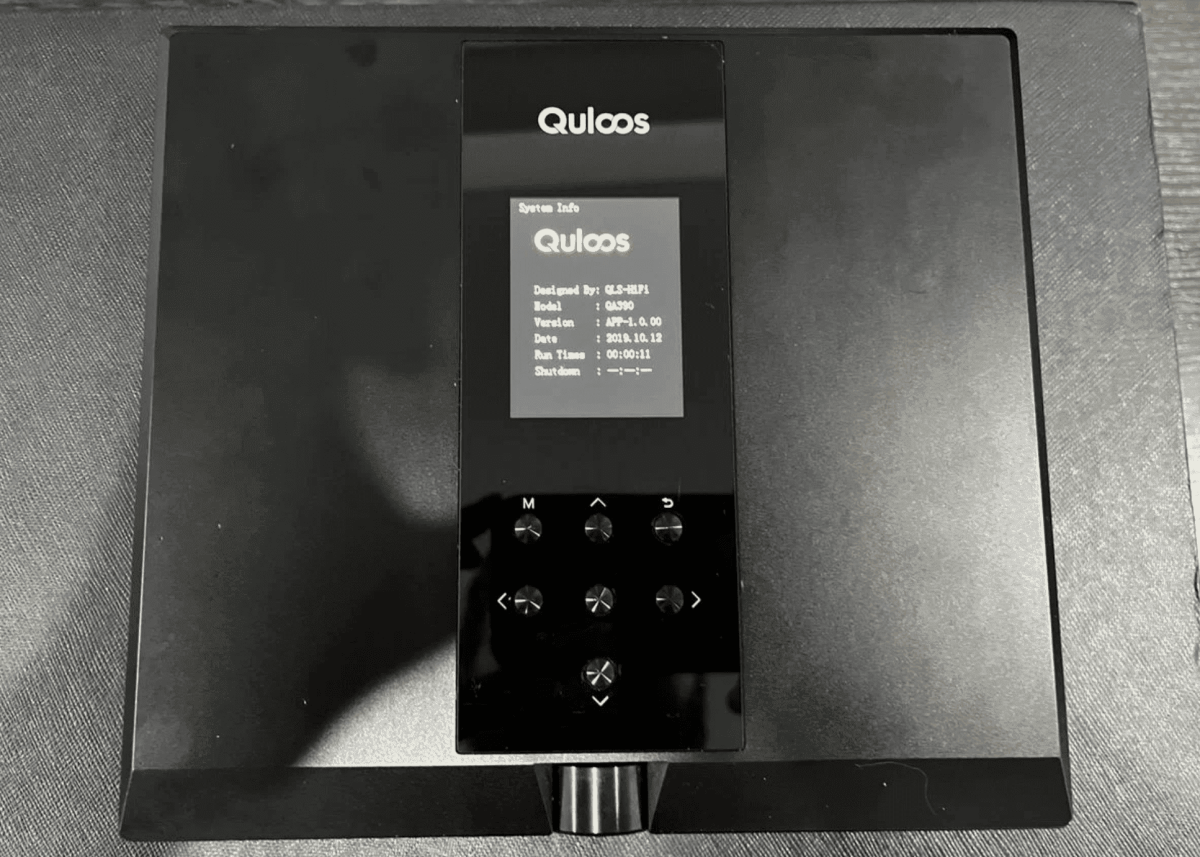
Qls qa390

75 000 ₽


  • Стоимость

    75 000 ₽
  • 0 Вопросы
  • 564 Просмотры

Описание

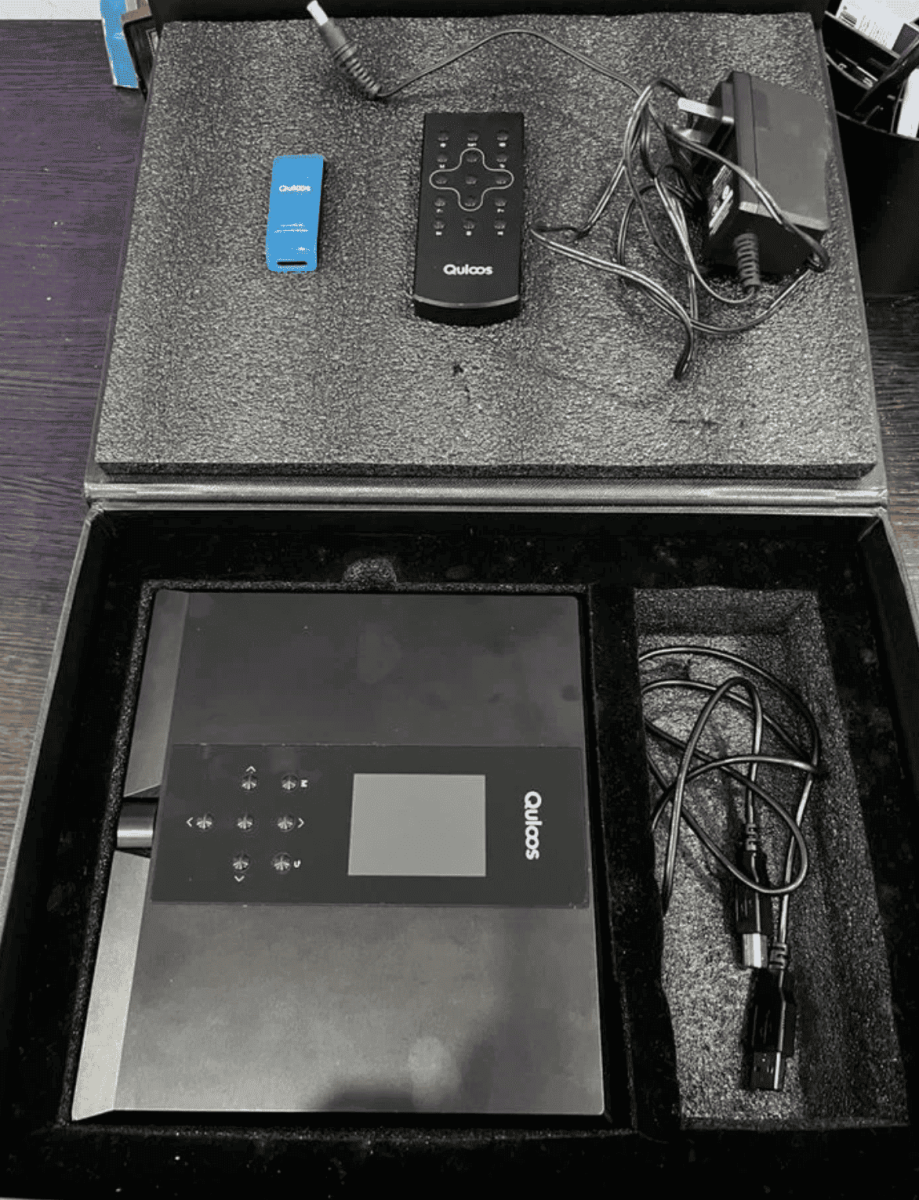
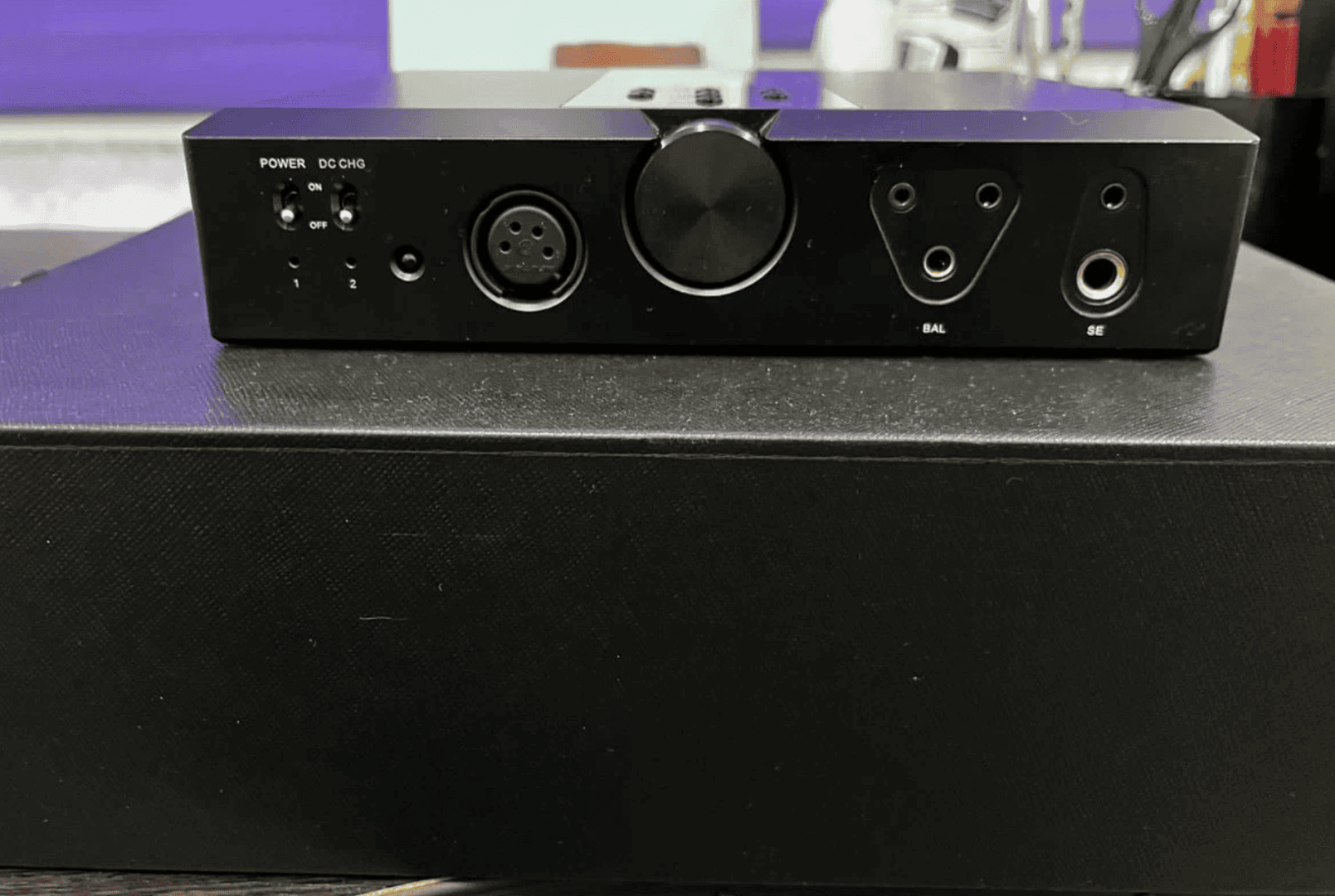
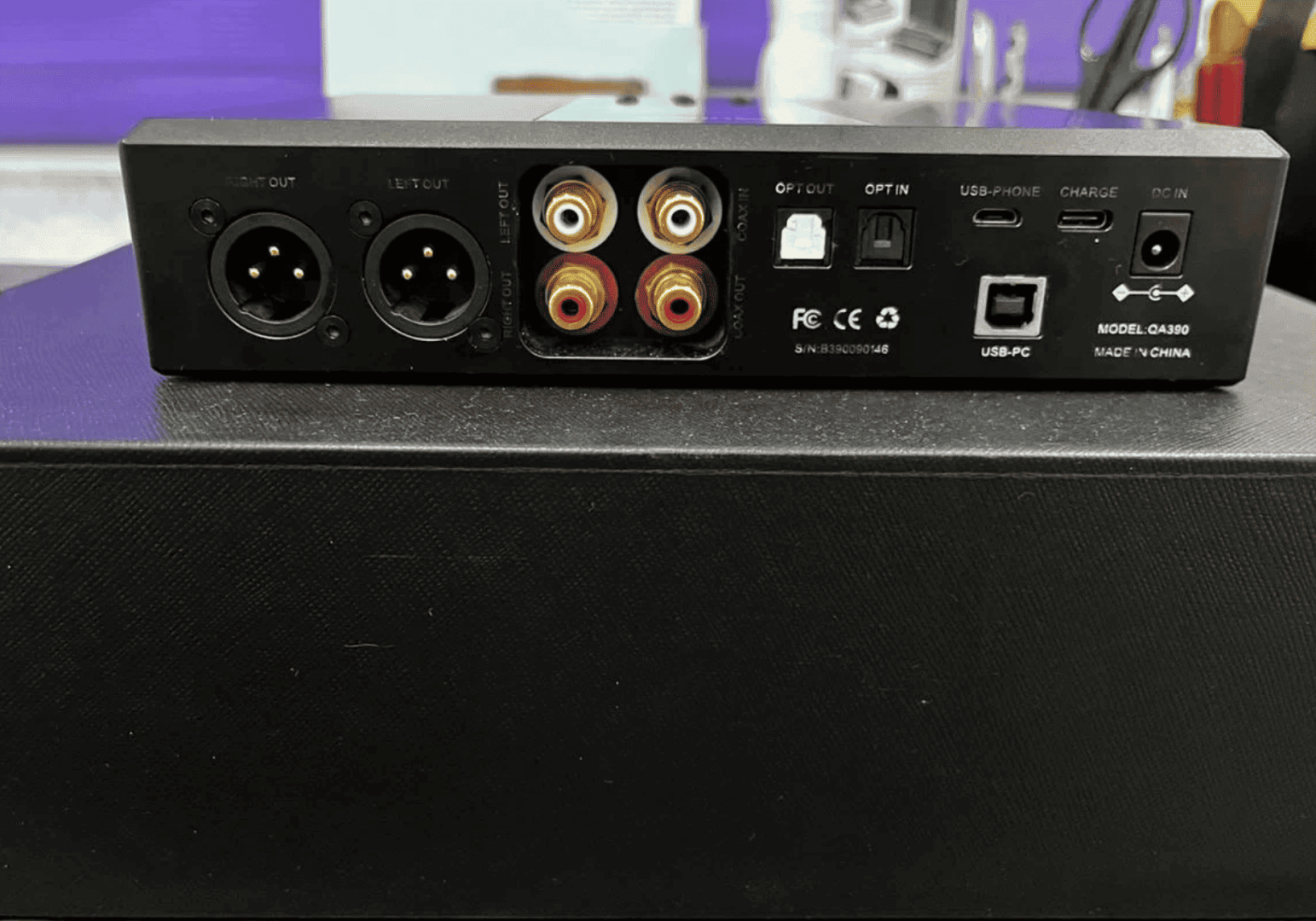
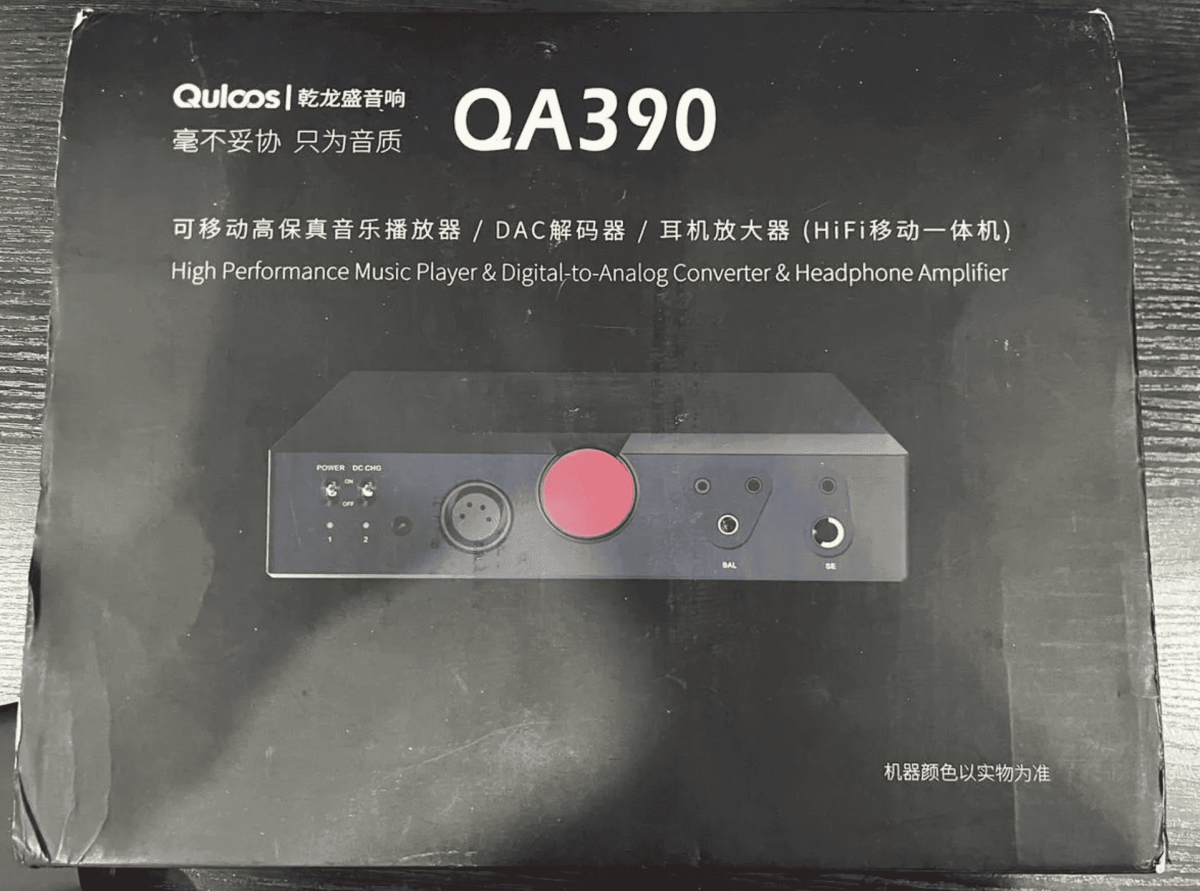
Продаю топовый плеер/усилитель/цап в состоянии нового, то есть устройство «всё в одном» Qls QA390. Новый сейчас стоит 140 тысяч.

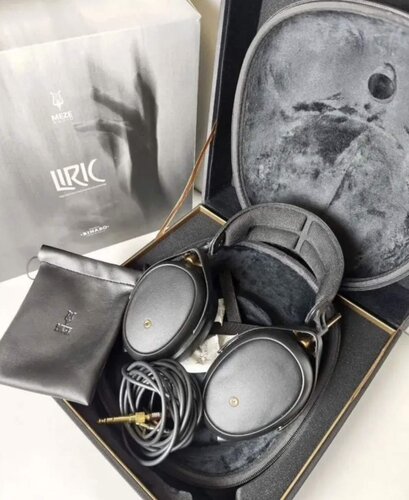
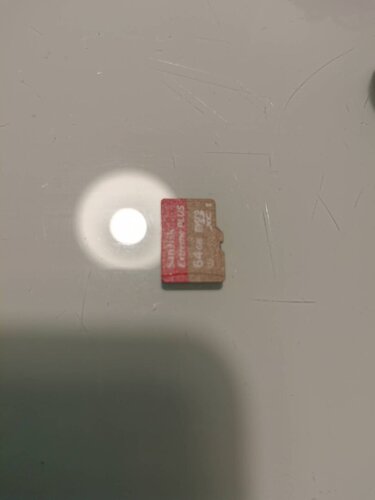
Полный комплект + в подарок отдам лучшую sd карту к нему (Sandisk Extreme Pro) со всеми прошивками.


Привожу рейтинг звучания аппаратов, где человек с head-fi сравнивал 390 с разными плеерами и цапами:

1. Quloos QA390 (только WAV Ultimate Firmware)
2. Shanling M30
3. Luxury & Precision LP6
4. Sony NW-WM1Z/Fiio M17 (DC Mode)
5. iBasso DX220 MAX/Lotoo Paw Gold Touch Titanium
6. Sony NW-WM1A/Fiio M17 Battery/QLS QA361 (Extreme Firmware)
7. A&K SP2000T/ Shanling M9
8. AR-M2
9. Cayin N8/Questyle QP2R/Chord Hugo 2 + H2Go
10. Shanling M8/Cayin N6ii R01
11. Fiio M15
12. Dethonray DTR1
13. Aune M2Pro


Отправлю любой ТК.
 

Авито

Снимок экрана 2024-12-18 в 13.53.51.png

Снимок экрана 2024-12-18 в 13.53.59.png

Снимок экрана 2024-12-18 в 13.54.27.png

Характеристики

  • Состояние

    10/10
  • Город

    Тверь

Тверь - Россия

Рекомендуемые вопросы

Вопросов ещё нет

Гость
Это объявление закрыто для дальнейших вопросов.

Другие объявления Septuagint


Другие объявления portativnye-pleery


Account

Navigation

Поиск

Поиск

Configure browser push notifications

Chrome (Android)
  1. Tap the lock icon next to the address bar.
  2. Tap Permissions → Notifications.
  3. Adjust your preference.
Chrome (Desktop)
  1. Click the padlock icon in the address bar.
  2. Select Site settings.
  3. Find Notifications and adjust your preference.