Перейти к содержанию
View in the app

A better way to browse. Learn more.

Dr.Head Forum. Всё можно послушать!

A full-screen app on your home screen with push notifications, badges and more.

To install this app on iOS and iPadOS
  1. Tap the Share icon in Safari
  2. Scroll the menu and tap Add to Home Screen.
  3. Tap Add in the top-right corner.
To install this app on Android
  1. Tap the 3-dot menu (⋮) in the top-right corner of the browser.
  2. Tap Add to Home screen or Install app.
  3. Confirm by tapping Install.
Необходимо авторизоваться, чтобы увидеть дополнительную информацию и иметь возможность связаться с рекламодателем!
ПРОСРОЧЕНО

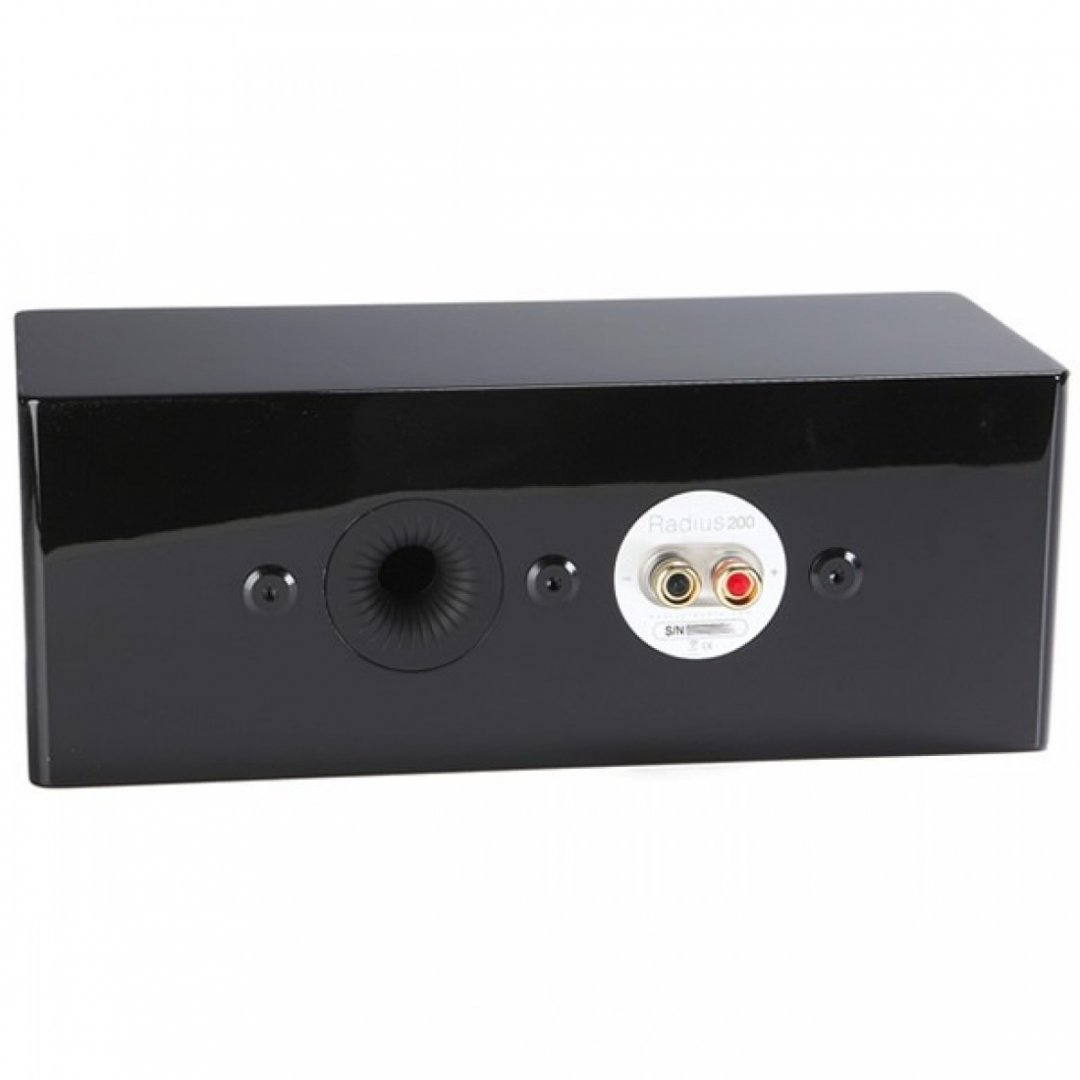
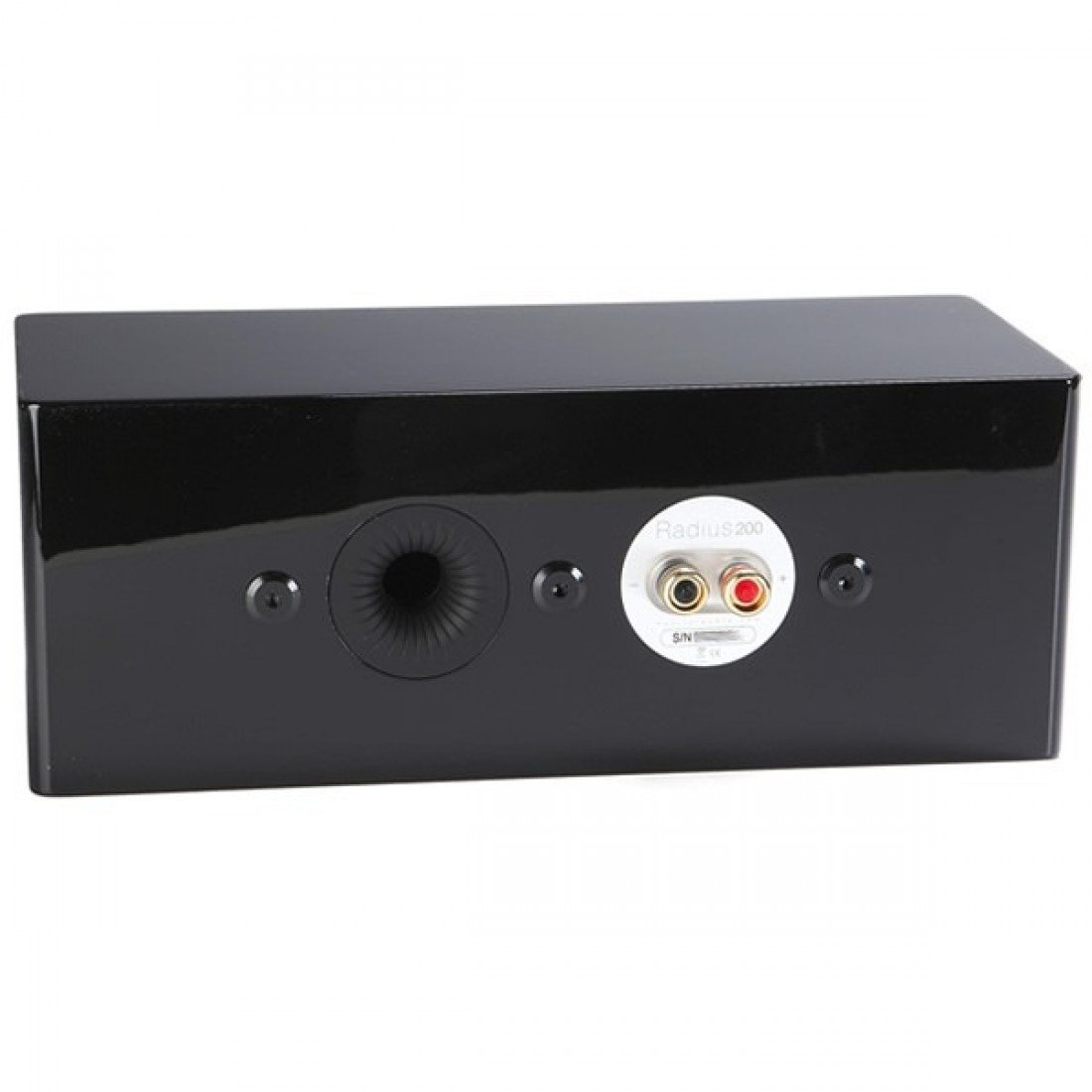
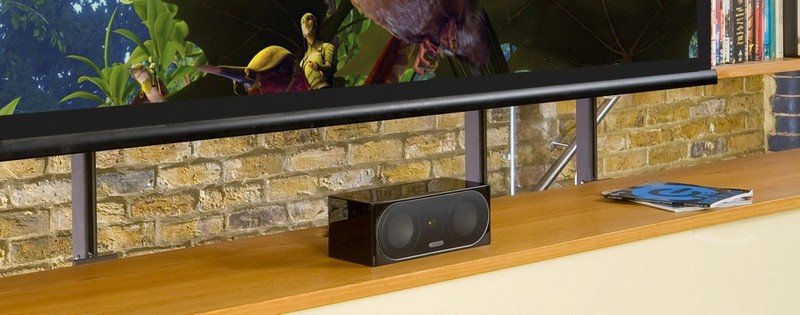
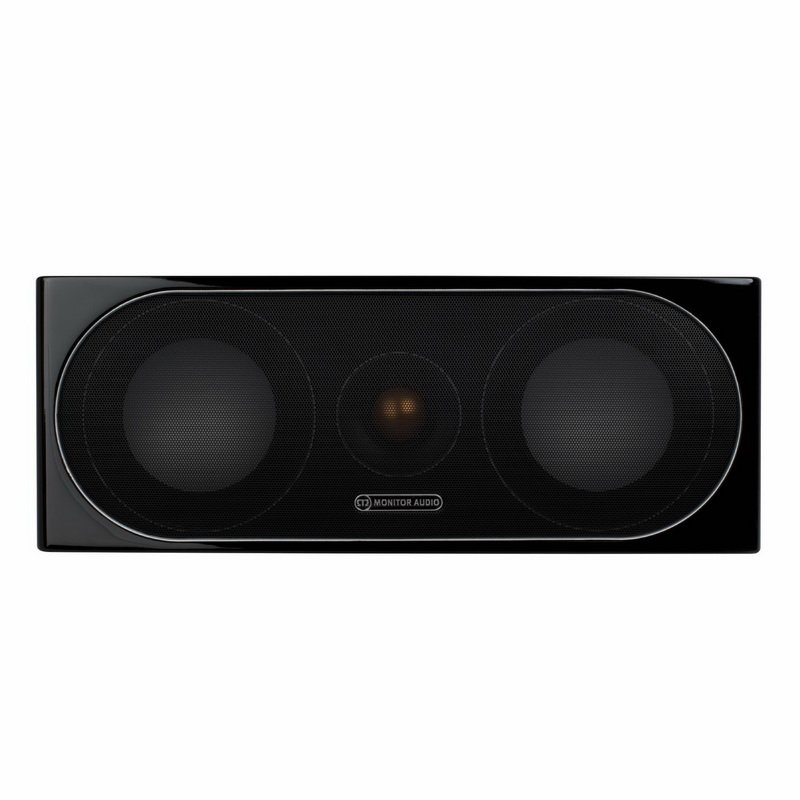
Monitor Audio Radius 200 (Center)
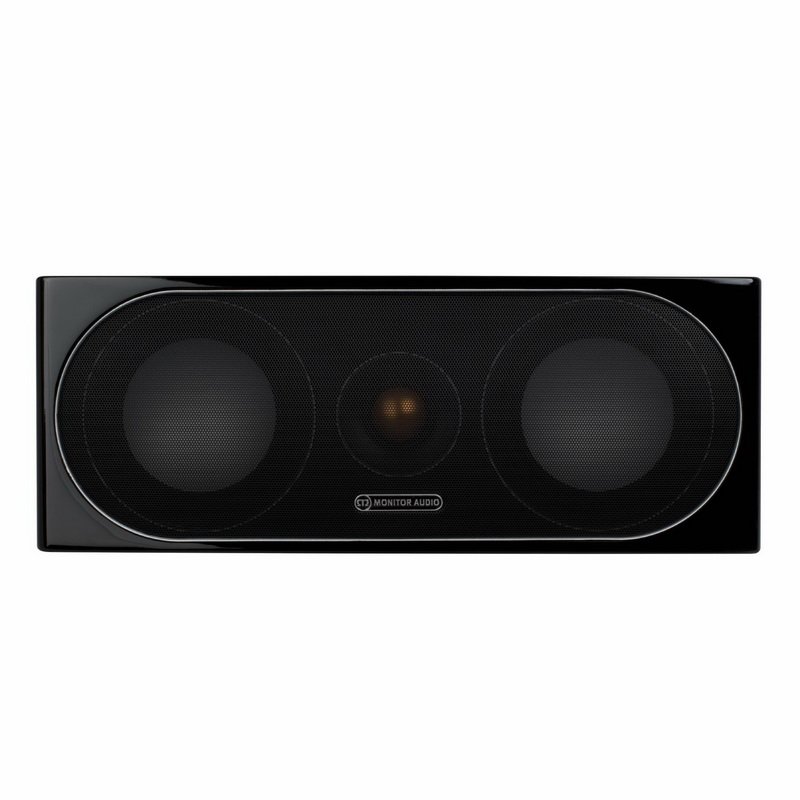
Monitor Audio Radius 200 (Center)

14 000 ₽


  • Стоимость

    14 000 ₽
  • 0 Вопросы
  • 938 Просмотры

Описание

Центральный канал.
Состояние - новый.
В запечатанной коробке.
Цвет - черный.bdb5b11dce1d31488502447a06777059.thumb.jpg.401e82b5a4b95d43f9211d0007489307.jpg
2b2f92d46b9e5b5115dcc2307a705abb.jpg

Monitor_Audio_Radius_Series_200_Walnut.jpg

Характеристики

  • Состояние

    10/10
  • Город

    Москва

Москва

Рекомендуемые вопросы

Вопросов ещё нет

Гость
Это объявление закрыто для дальнейших вопросов.

Account

Navigation

Поиск

Поиск

Configure browser push notifications

Chrome (Android)
  1. Tap the lock icon next to the address bar.
  2. Tap Permissions → Notifications.
  3. Adjust your preference.
Chrome (Desktop)
  1. Click the padlock icon in the address bar.
  2. Select Site settings.
  3. Find Notifications and adjust your preference.